Manage Routing Rules from the Routing Rules Page
Some network administrators prefer to manage routing rules in the Routing Rules page.
|
➢
|
To manage routing rules: |
|
1.
|
Open the Routing Rules page (Routing > Routing Rules). |

|
●
|
Duplicate a rule (allows administrators to conveniently and easily add a rule based on an already defined rule) |
|
●
|
Promote or demote rules |
|
3.
|
In the 'Search' field, enter a search string. The functionality allows administrators to search in all the defined rules, not just in a Rules Group. |
|
4.
|
Click the Advanced Search link. |
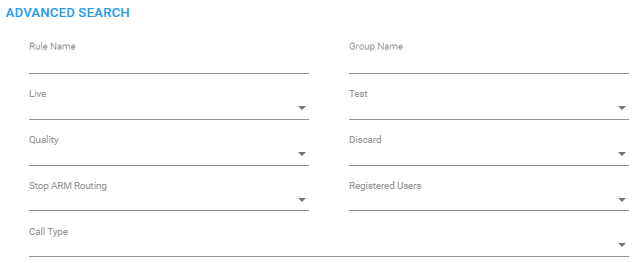
The search filters the page according to one or more parameter values chosen.